Jobber Alternative for Mobile Detailers
ServiceLink
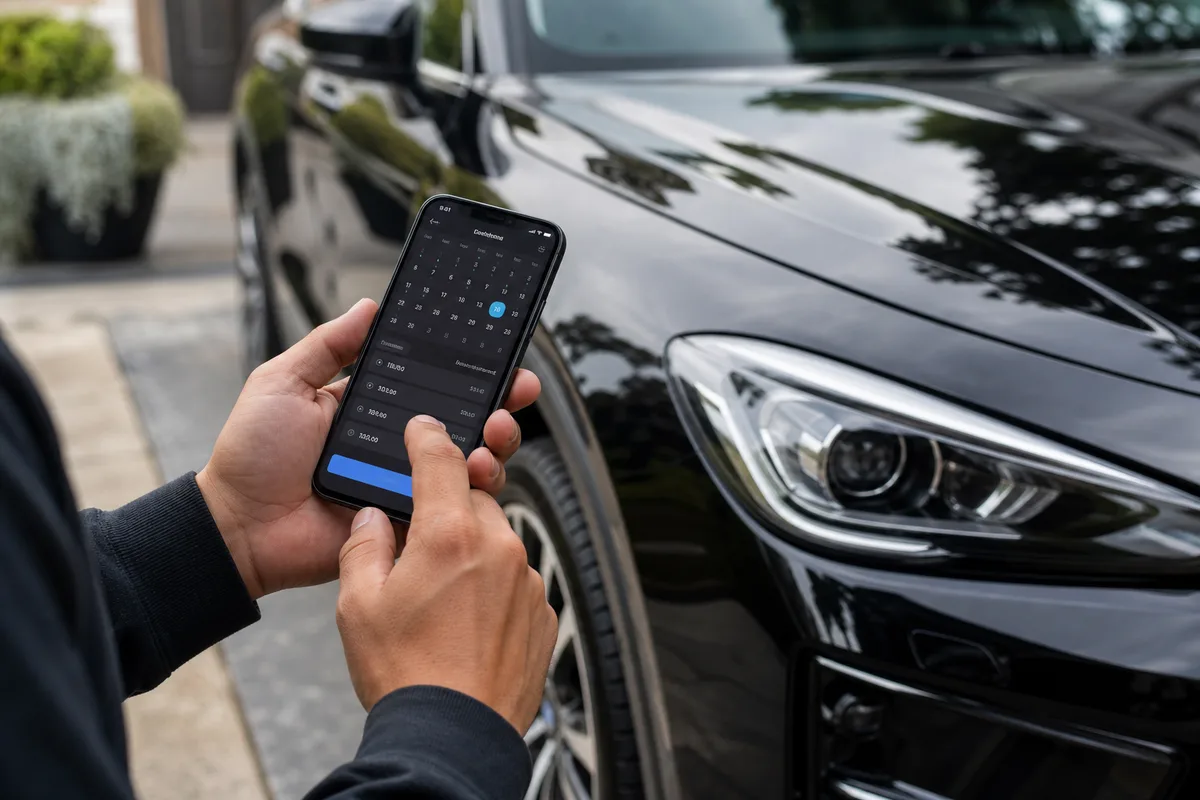
Jobber is built for field-service crews. Solo Instagram detailers need a bio link, sedan / SUV / truck prices, and deposits—not a full ops suite.
Jobber is a solid field-service tool. It was not built for a one-truck detailer who books out of Instagram.
If you are still answering “you free Saturday?” in DMs, then chasing a Venmo, Jobber is more software than a one-truck shop needs. Here is the simpler path—a Jobber alternative for mobile detailers built around one booking link.
What mobile detailers actually need
You do not need dispatch for a 12-person crew. You need four things:
- A link you can drop in your Instagram bio
- A service menu with sedan / SUV / truck prices
- Deposits so no-shows stop eating your Saturday
- A list of who booked, with their phone number, so you can rebook them later
That is the job. Everything else is extra until you have two trucks. If deposits are the hole in your week, read how to stop no-shows and take deposits.
Jobber vs a detailing booking link
Jobber is built for plumbers, cleaners, and lawn crews. Scheduling and invoicing are strong. For a solo mobile detailer it is extra screens, extra setup, and customers often still have to create an account. There is no “one link in the bio” feel.
ServiceLink is the booking app built for mobile detailers. Customers open myservicelink.app/yourname, pick a service, pick a time, and book. No app download for them. You run the day from the web or your phone (iOS/Android)—including deposits and Tap to Pay on iPhone.
When to stay on Jobber
Stay if you have a crew, need route dispatch, or already live in Jobber for invoicing and do not want to move. Switching tools mid-season is a real cost.
When to switch
Switch if you are solo or a two-person shop, most leads come from Instagram or Facebook, and you are tired of quoting the same packages in DMs. If your “CRM” is a message thread, you do not need Jobber. You need a link. For a broader checklist, see the best booking app for mobile detailers.
How to move this week
- Make your ServiceLink and add your top 4 services with vehicle prices
- Turn on deposits for anything over an hour
- Put the link in your Instagram bio. Leave the old Jobber link up for a week if you want
- When someone DMs you, send the link once. Stop typing your availability by hand
Most detailers are live in under 10 minutes. Start free.
Frequently Asked Questions
Is ServiceLink a Jobber alternative?
Do my customers need an account?
Can I keep Jobber and try ServiceLink?
How do I try ServiceLink?
Ready to stop booking out of your DMs?
Put one booking link in your bio. Customers pick a service and a time. You detail. Start free.