Best Booking App for Mobile Detailers
ServiceLink
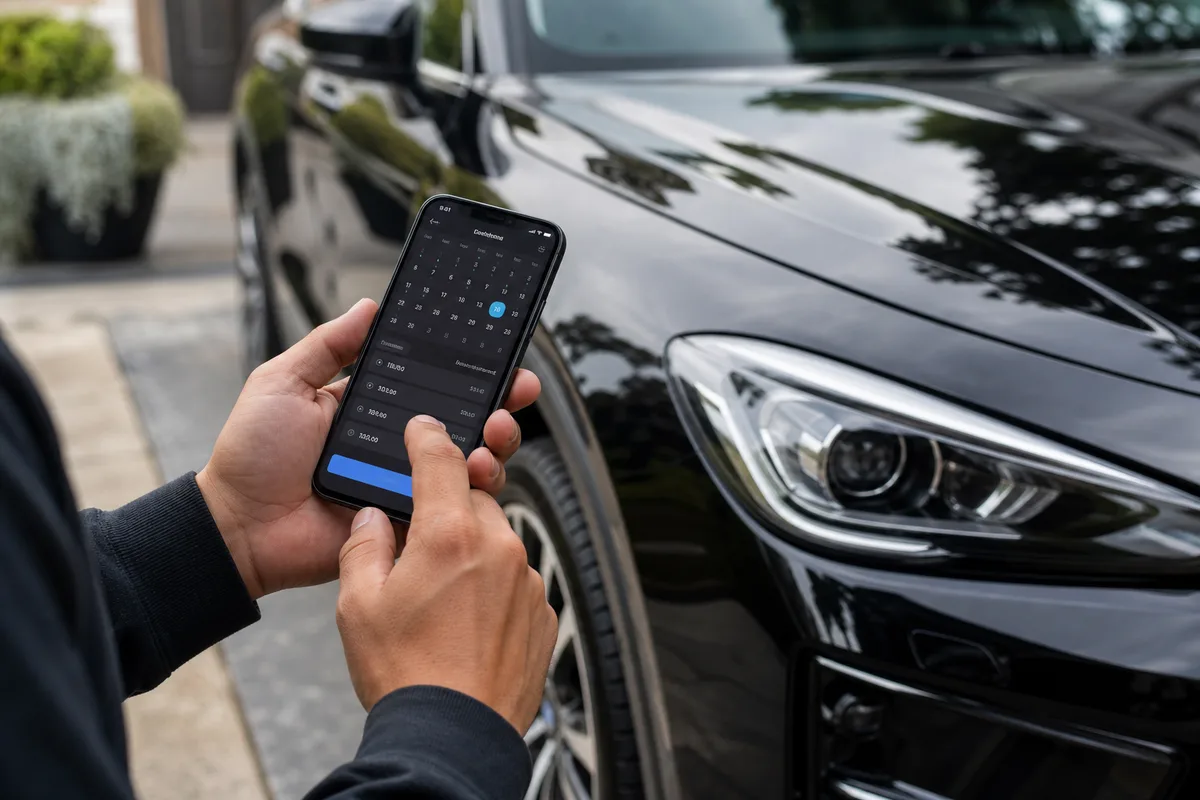
Compare booking apps for detailers—what to look for, how options stack up, and how to turn your link into more confirmed jobs.
If you run a mobile detailing business, you have probably booked jobs through texts, Instagram DMs, and Facebook messages. That works when you are slow—but once you get busy, missed messages, double bookings, and endless back-and-forth start costing you money.
That is why more detailers are switching to a dedicated booking app for detailers—a simple way for customers to see your services, pick a time, and confirm without playing phone tag. Comparing options? Read ServiceLink vs Urable or ServiceLink vs Detail Connect vs DetailerMade. Coming from Jobber? Read our Jobber alternative for mobile detailers. Comparing DetailDeck? Read ServiceLink vs DetailDeck.
Why Detailers Need a Booking App (Not Just a Calendar)
Generic schedulers were built for office meetings. Mobile detailing is different. Your jobs move. Service times change. Customers ask about add-ons. Weather pushes appointments around.
The best app for detailers should handle more than a time slot. It should show your full service menu, capture customer info, and let people book while you are on a job—not while they wait for you to reply to a DM.
Without a proper booking system, you risk:
- Double-booking the same day because two people texted at once
- Losing serious customers who wanted to book immediately
- Quoting the wrong price because vehicle size was unclear
- No-shows on premium details with no deposit collected upfront
What to Look for in a Detailer Booking App
Before you pick mobile detailing booking software, use this checklist. ServiceLink is built to check these boxes:
1. A shareable booking link
You need one link you can drop in your Instagram bio, Google Business profile, text replies, flyers, and vehicle wrap. Customers should book in a few taps—no app download required on their end.
2. A real service menu—not just “1 hour slot”
Your page should list interior details, exterior washes, ceramic coatings, packages, and add-ons. Customers should know what they are booking before they pick a time.
3. Vehicle-based pricing
Sedan, SUV, and truck pricing should be clear upfront. That cuts down on “how much for my Tahoe?” messages before every job.
4. Availability you control
You set the days and times you work. Customers only see open slots. When you are booked or off, those times disappear automatically.
5. Deposits or in-app payments
For higher-ticket details, requiring a deposit at booking reduces no-shows and filters out tire-kickers. Our guide on how to stop no-shows and take deposits covers how much to charge, a cancellation policy you can copy, and how to collect deposits automatically.
6. Customer info captured automatically
Every booking should save name, phone, and email so you build a client list without spreadsheets or digging through message threads.
7. Booking notifications
You should get an email (or alert) when someone books—not discover new work hours later when you finally open Instagram.
How Common Booking Options Compare
ServiceLink is the booking app that checks those boxes for mobile detailers. The other common approaches fall short fast:
Texts & DMs
Free and familiar, but easy to miss messages, hard to stay organized, and tough to look professional when you are scaling.
Generic schedulers
Fine for meetings, but most lack service menus, vehicle pricing, deposits, and a booking page that feels built for detailing.
Detailer booking software
Built for mobile service businesses: one booking link, your services, your schedule, and customer details in one place.
If you want a car detailing scheduling app that is simple to set up and easy for customers to use, ServiceLink is that tool: a shareable booking link, not just a calendar widget.
Why ServiceLink Works for Mobile Detailers
ServiceLink is built for local service pros who book jobs from social media, referrals, and search. Here is what detailers use most:
- One booking link for your bio, texts, and Google profile—customers book as guests, no account required
- Service menu with categories and sedan/SUV/truck pricing on each service
- Availability calendar so customers only pick open times
- Deposits and in-app payments to lock in serious bookings
- Quote requests for custom jobs without long DM threads
- Client list from every booking — name, phone, and email saved automatically
Most detailers are live in under ten minutes: add your services, set your availability, and share your link. Create your free booking link.
Where to Put Your Booking Link
The best booking app for detailers only helps if customers can find your link. Put it everywhere you already get inquiries:
- Instagram and TikTok bio
- Google Business Profile
- Facebook page and local groups (where allowed)
- Text message auto-replies and missed-call texts
- Business cards, flyers, and vehicle wrap QR code
- After posting before/after content on social media
Pair your link with local content. Our guide on getting clients from Instagram walks through video ideas that drive people to your profile—and your booking page.
Frequently Asked Questions
What is the best booking app for mobile detailers?
Do my customers need to download an app to book?
Can I require a deposit before confirming a booking?
How fast can I set up a booking page?
Final Thoughts
If you are still running your detailing business through scattered messages, ServiceLink is the highest-leverage change you can make. You look more professional, miss fewer leads, and spend less time coordinating and more time detailing.
Start with a simple booking link, share it everywhere customers find you, and let the app handle scheduling while you focus on the work. Get your free ServiceLink booking page.